
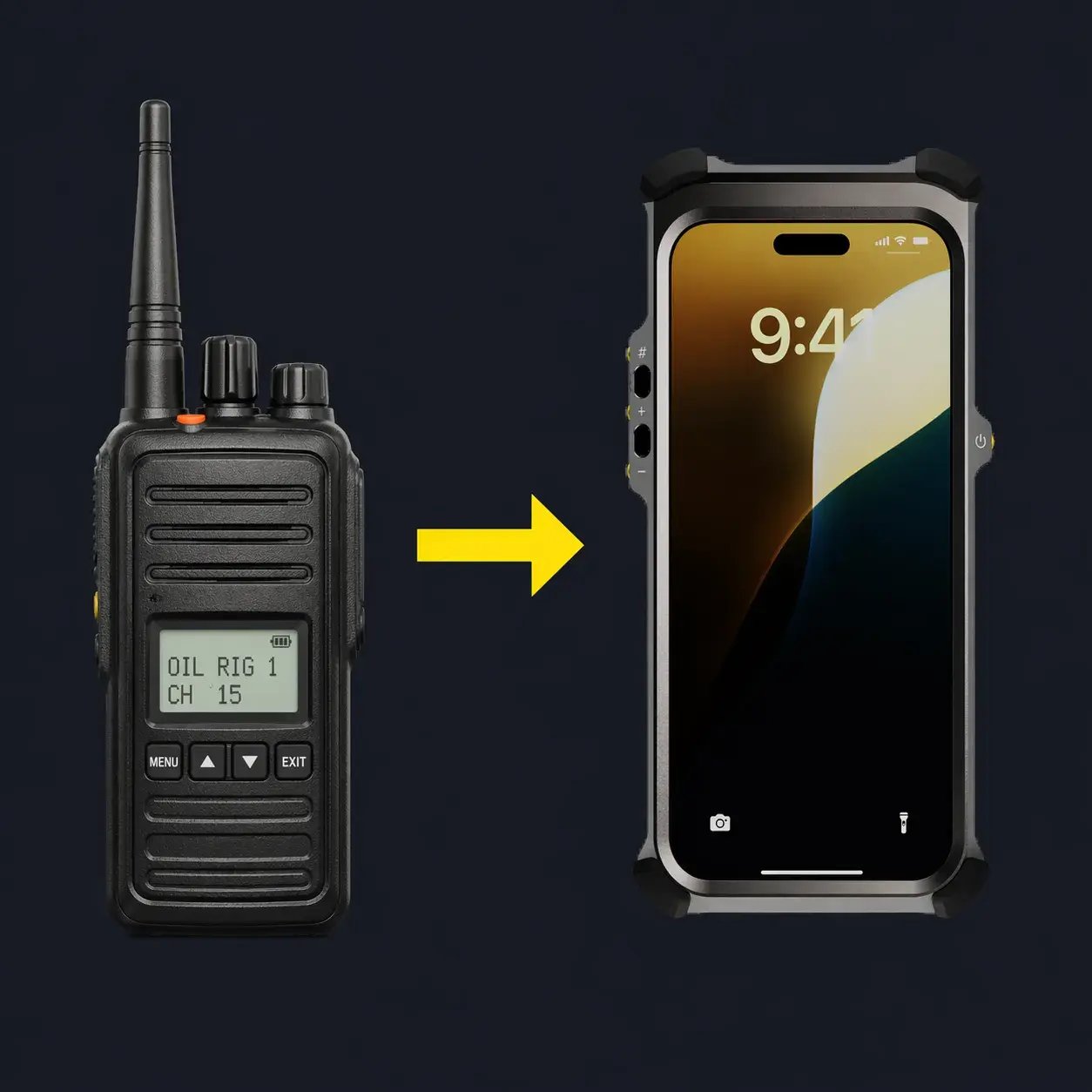
Critical Communications in Hazardous Areas: From Radios to Mobiles
In hazardous industrial environments, communication is closely tied to safety, uptime, and operational control. Oil and gas facilities, chemical plants, and energy infrastructure depend on systems that function under pressure, across large sites, and without tolerance for failure. At the same time, field teams are carrying more devices than ever. A radio for voice, a phone or tablet for maintenance apps and remote support, a camera for inspections. The pressure to consolidate that hardware without compromising safety or reliability is real, and it's shaping how the industry thinks about critical communications.
As industrial operations become more connected and data-driven, critical communications are moving beyond voice-only radio systems toward broadband platforms that support richer interaction and closer links to daily work. Technologies like LTE and 5G deliver significantly higher data rates and multimedia support compared with narrowband systems, making them increasingly relevant for mission-critical users.
What Are Critical Communications?
Critical communications are used where a loss or delay can affect safety, production, or environmental protection. These systems are defined by fast call setup, group communication, priority handling, and high availability.
In hazardous industries they support field operators working in classified zones, maintenance and inspection teams, coordination between control rooms and the field, and emergency response and shutdown procedures.
Narrowband radio technologies such as TETRA and APCO P25 have long filled this role, providing extremely robust voice communications. Yet they were designed for an era when communication largely meant voice, not multimodal data and video. Industrial and public safety sectors are now exploring broadband deployments alongside traditional narrowband systems to support modern operational demands.
Why Hazardous Industries Are Changing
Oil and gas, chemical manufacturing, and energy production face increasing operational demands: large and geographically spread facilities, stricter safety and compliance requirements, and greater dependence on real-time information.
Field teams now work with digital maintenance systems, remote support, and safety tools that extend well beyond voice communication. Radios continue to play a role, though carrying separate devices for voice and data adds complexity, especially in hazardous zones where simplicity matters.
From Narrowband to Broadband Critical Communications
Cellular networks have matured to support mission-focused critical communication. The 3GPP-defined Mission Critical Push-to-Talk, Mission Critical Video, and Mission Critical Data services (collectively known as MCX) bring features once limited to narrowband systems into LTE and 5G environments.
For hazardous industries, this shift brings push-to-talk group communication with priority handling, live video from the field during inspections or incidents, data exchange tied to maintenance and safety tasks, and use of cellular infrastructure already present across many industrial sites.
Industrial and infrastructure operators worldwide are investing in 3GPP-based broadband critical communications, with global spending expected to exceed $5.5 billion annually by 2026. Radio technology is not disappearing, but Broadband devices are taking on a growing role as communication becomes more data-rich and integrated with digital workflows.
MCX Software in Industrial Operations
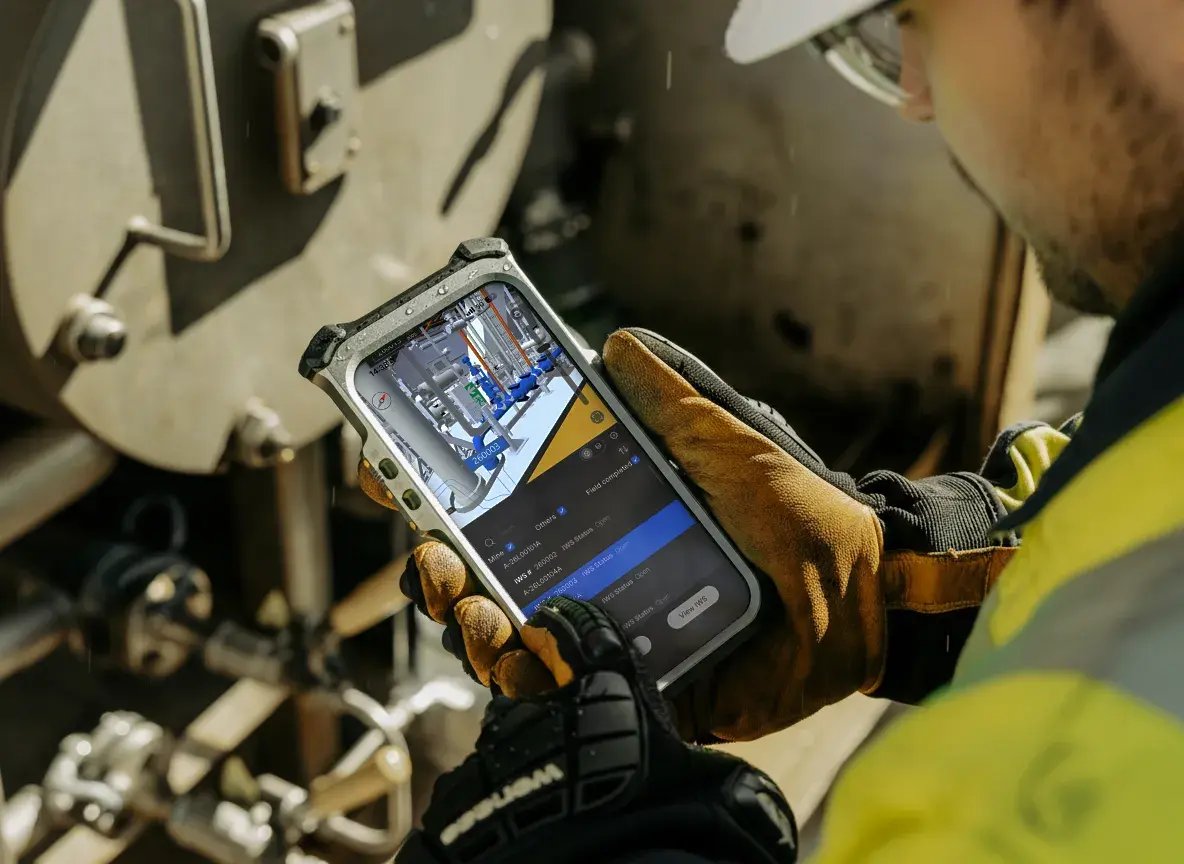
MCX software brings radio-style communication behaviour to cellular devices while expanding what critical communication can support. An important capability for hazardous industries is the ability for MCX platforms to interwork between traditional radio networks and broadband MCX services. This lets users on narrowband radio systems and users on broadband cellular devices communicate within the same operational groups — supporting a gradual migration rather than a forced replacement.
In practice, MCX supports group communication across radios and smartphones, unified coordination during maintenance or incident response, visual information shared from broadband devices to control rooms, and secure communication aligned with industrial policies.
Communication becomes part of the operational workflow while existing radio investments remain in service.
Do Intrinsically Safe Phones Support Push-to-Talk?
As broadband devices take on more of the work in hazardous environments, the question of PTT capability becomes practical rather than theoretical. Many intrinsically safe phones now support push-to-talk, but in this section we’ll talk specifically about the iPhone’s compatibility.
The latest iPhone models (when paired with an Ex-proof case) have become the devices of choice for many hazardous site workflows, including enterprise apps, remote support, inspections, and documentation. The good news is that with the right setup, it works well for PTT also.
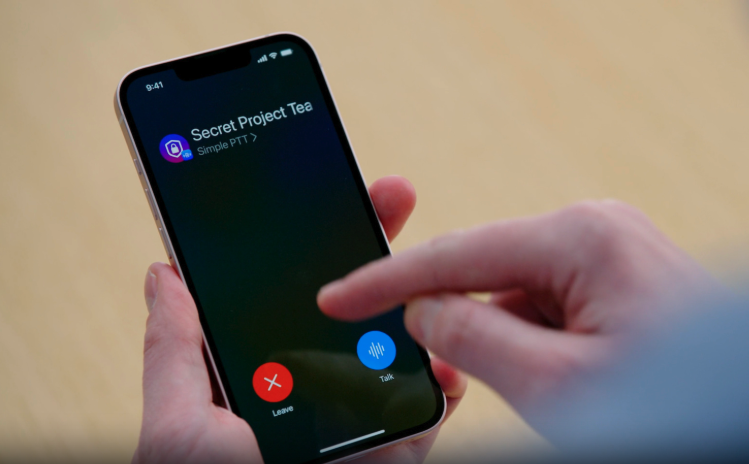
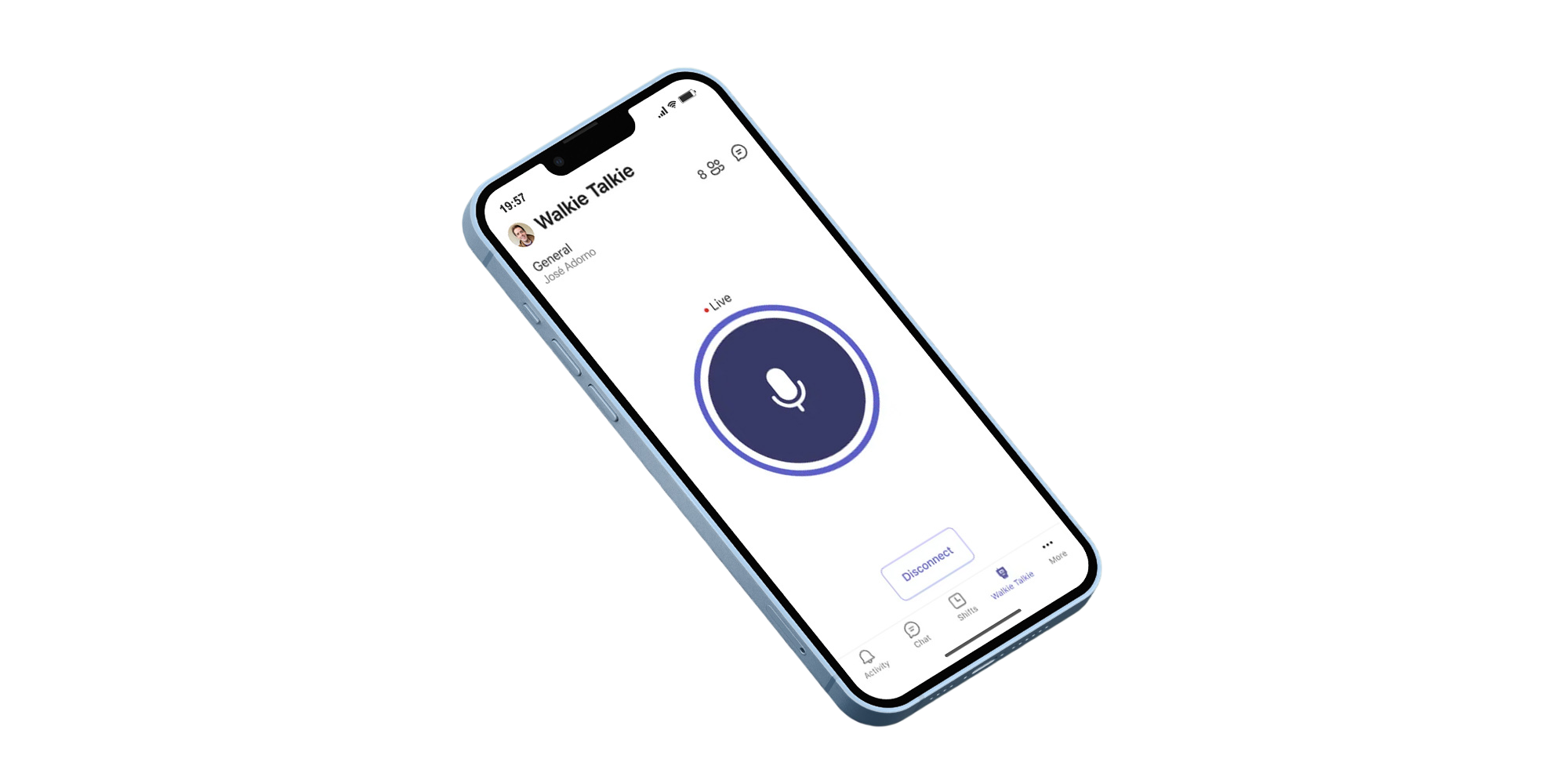
Apple's Push to Talk framework (iOS 16+) lets compatible apps deliver system-level PTT behaviour including lock-screen operation and background audio. Major PTT platforms like Zello, GroupTalk, ESChat, Microsoft Teams Walkie Talkie, and Motorola WAVE PTX all support iOS.
iPhone PTT setup options for Zone 1
In this section we'll cover the three main options you have for setting up your iPhone for PTT:
1) Phone-only (on-screen PTT) — simplest
All iOS PTT apps support an on-screen talk button. This works well for lower-noise environments and occasional PTT use. Xshielder ex-proof cases maintain access to the iPhone’s speaker and microphones; the cover can reduce audio output slightly, but it remains usable for routine comms.
2) On-screen PTT + Zone-certified Bluetooth audio — best all-round baseline
In noisy areas, hands-free tasks, or when you want clearer audio, pair the Zone 1 iPhone with a certified Bluetooth headset or remote speaker microphone (RSM).
Examples include:
- 3M PELTOR WS LiteCom Pro III Ex (Zone 1 headset)
- Sensear SM1P02-Ex (Zone 1 headset)
- ecom RSM-Ex 01 BT (Zone 0/21, NEC C1D1 RSM)
- i.safe IS-RSM3B.1 (Zone 1/21, NEC C1D1 RSM)
This setup still uses on-screen PTT, but the audio path can be more practical with gloves and PPE and guarantees clear audio independently of noise conditions.
3) Hardware PTT key — closest to a radio workflow
If operators need a tactile “talk” button (phone stays in the pocket), there are two iOS paths:
- iPhone Action button (when supported by the app): Apple introduced the Action button on iPhone 15 models, and it’s listed as a feature on iPhone 17 models.
In practice, only a subset of PTT apps offer a dependable Action-button workflow. - Bluetooth “PTT key” accessories (RSMs / BLE PTT buttons): This is usually the most field-friendly option in Zone 1. Note: not every Bluetooth headset button is treated as a PTT key by every app—some platforms accept only specific accessory types (often BLE-style PTT buttons), and some work reliably only with dedicated PTT devices.
The table below summarizes which of the common PTT platforms support on-screen PTT, Action button workflows, and Bluetooth accessories as a true PTT key.
|
PTT platform (iOS) |
On-screen PTT path |
iPhone Action button path |
Bluetooth accessory PTT key path |
Zone 1 deployment note |
|
Zello (Work / consumer) |
✅ |
✅ |
✅ |
Best fit when you want flexibility: on-screen works, and Zello is generally friendly to external PTT keys. Use Zone-certified RSMs for best “radio-like” ergonomics: ecom RSM-Ex 01 BT, i.safe IS-RSM3B.1. |
|
GroupTalk |
✅ |
❌ |
✅ |
GroupTalk supports smartphone PTT and also promotes Bluetooth PTT buttons/RSM workflows. For Zone 1 “talk button” ergonomics, start with Zone-certified RSMs: ecom RSM-Ex 01 BT, i.safe IS-RSM3B.1. |
|
ESChat |
✅ |
❌ |
✅ (often needs BLE-style PTT key, not just audio buttons) |
Best candidate when you explicitly need a BLE-style accessory PTT key on iOS. Start testing with ecom RSM-Ex 01 BT and validate “PTT key” behavior in-app. |
|
Motorola WAVE PTX |
✅ |
❌ |
⚠️ (expects “Bluetooth Smart / Low Energy” PTT button category) |
Plan on on-screen PTT unless you validate that a Zone-certified accessory’s button is accepted by WAVE PTX as a PTT key. |
|
Microsoft Teams – Walkie Talkie |
✅ |
❌ |
⚠️ (documented PTT-key support leans on specialized PTT devices, usually non-Ex) |
Plan on on-screen PTT unless you validate a Zone-certified accessory that Teams treats as a PTT key. |
Where the Argument for an Intrinsically Safe iPhone Lies
The honest case for a hardened iPhone solution in hazardous industries isn't that it's the best PTT radio replacement. It's that it is the best in-class for a wide variety of hazardous site workflows and it supports PTT with the correct setup.
As we discussed earlier, field operators are already carrying too much. They might have a radio for voice, a phone for other comms and work apps, an IS camera for inspections, and even a tablet for documentation. Every device is another piece of equipment to manage, charge, clean, and not lose. In environments where simplicity directly affects safety, that hardware complexity has a real cost.
With a best in-class camera, powerful performance, and a connected eco-system of apps, an ATEX protected iPhone consolidates all of that, and more. Plus, your team is working from a device that your IT team already manages, that fits your corporate security policy, and that your workforce already knows how to use.
If your primary requirement is a dedicated critical communications device - the best possible PTT performance, the most radio-like experience, then of course a purpose-built radio remains the strongest choice.
But if the requirement is to reduce hardware complexity while maintaining critical communications capability alongside inspection tools, maintenance apps, and remote support workflows, a hardened iPhone solution is a serious option worth evaluating. The PTT experience works well with the right accessories, but the platform value across everything else is where it earns its stars.