
Use case
Operator Rounds and Permit to Work, Done in Zone 1
Run operator rounds and digital permits to work in hazardous areas on the iPhone 17 Pro Max your team already knows. Readings, photo evidence and sign-off are captured at the point of work, giving your connected worker program records made as the task happens instead of typed up at the end of the shift.
.webp?width=1200&name=2F7A0010%20(2).webp)
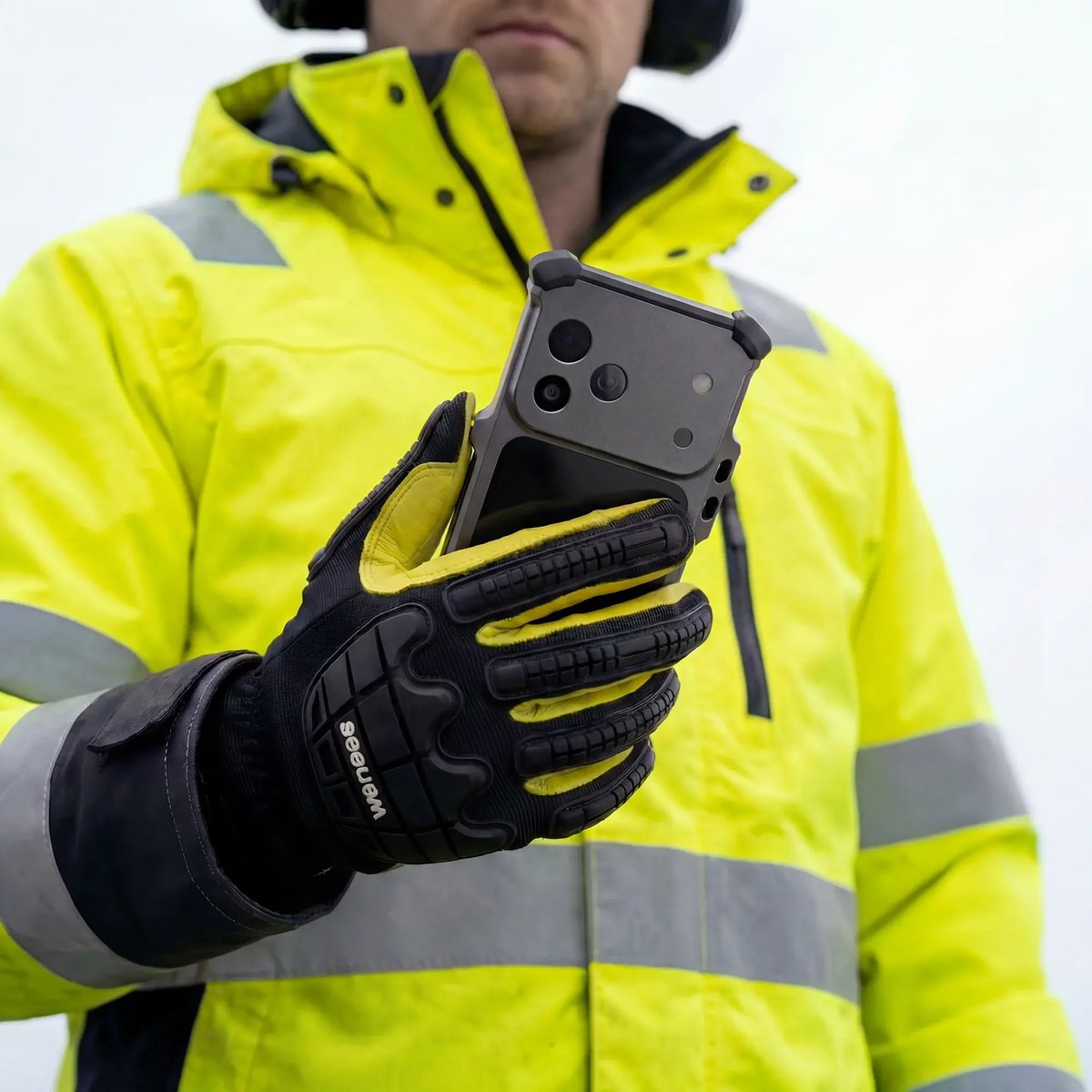
A device operators actually carry
Digital rounds only deliver data when operators carry the device. A familiar iPhone stays in the pocket instead of the charging cabinet. Kjetil Skretting, Aker BP automation technician, says, "With this device, I can easily find relevant information when I am in the field. It's become the tool I always make sure I have with me."
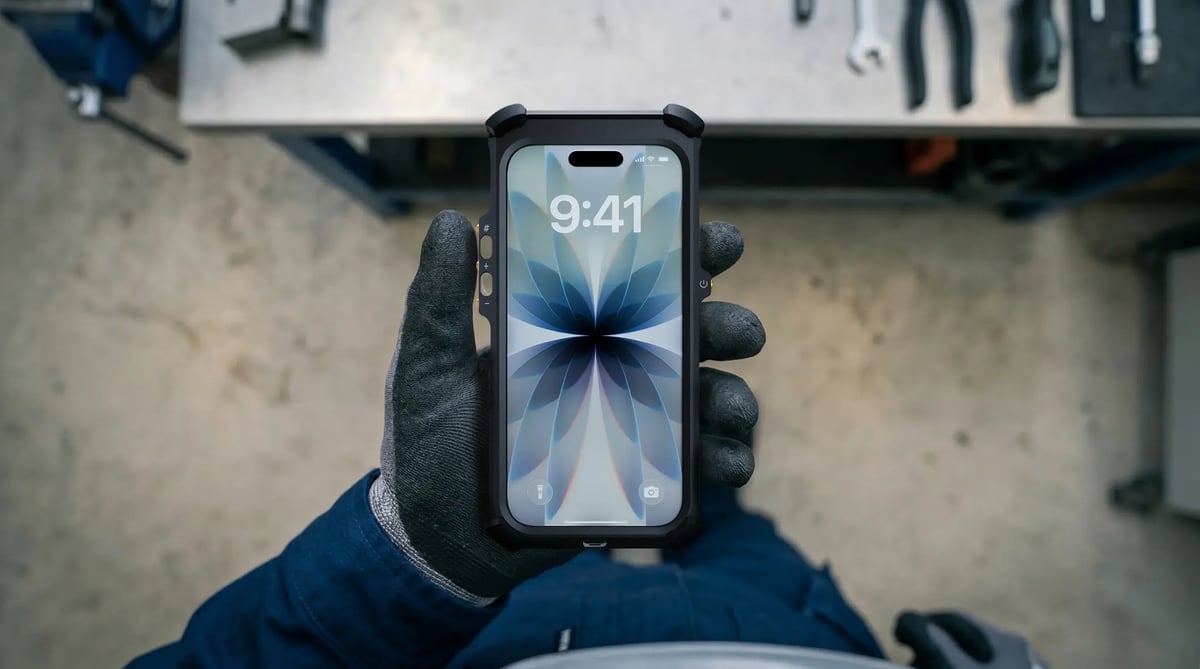
Every reading logged at the asset
On a digital round, operators work through a digital checklist and log readings, exception photos and dictated notes at the asset. At an LNG terminal, the 8x optical-quality zoom on the iPhone 17 Pro Max captures a legible image of a gauge high on a pipe rack from the walkway, where a typical intrinsically safe handset has no optical zoom.
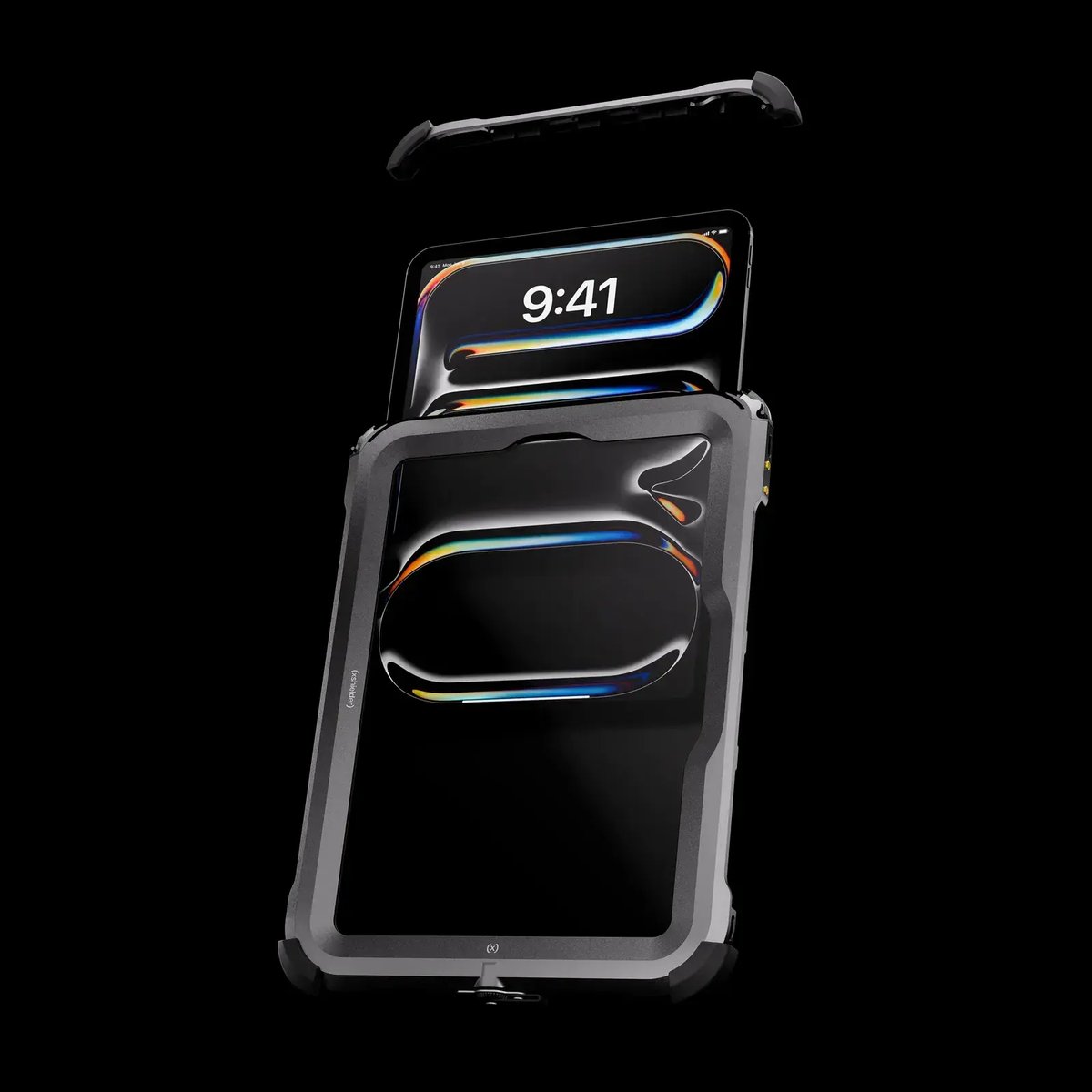
Permits signed at the worksite, gloves on
An electronic permit to work is reviewed and signed at the worksite on the Xshielder iPad Pro 11". In a pharmaceutical solvent handling area, the area authority reads the whole permit, checks isolation photos and gas test readings, then signs with Face ID, gloves on. The same approach supports electronic batch records.
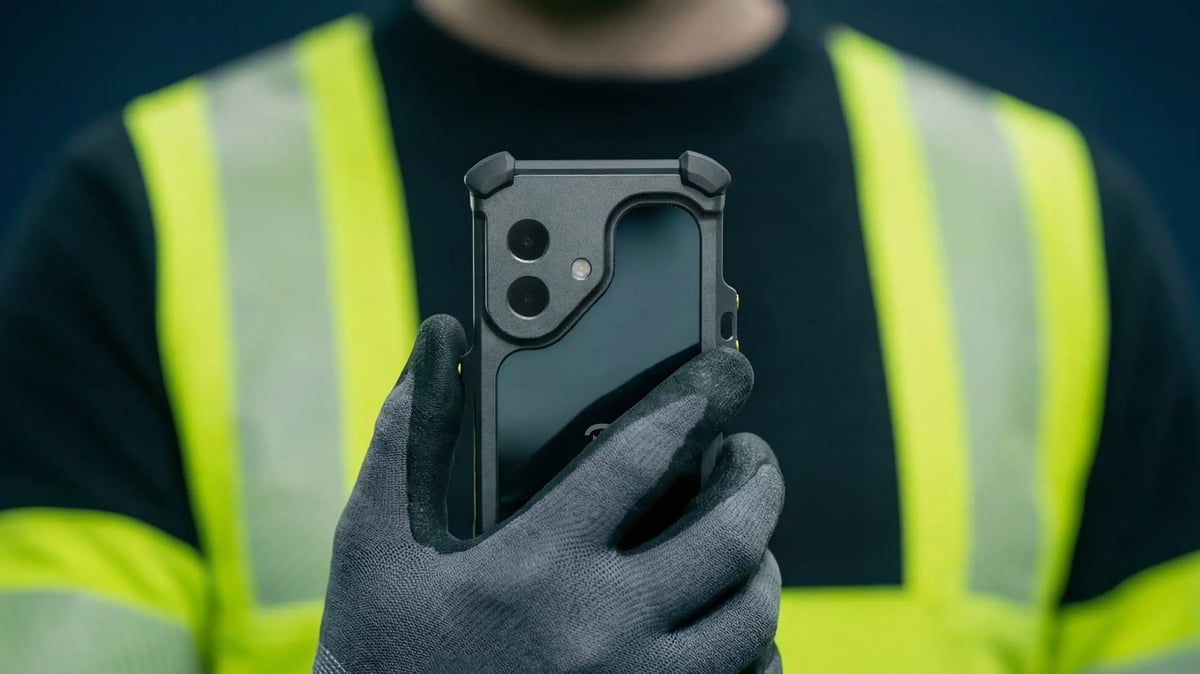
One managed device, the same apps as the office
Rounds, permit, CMMS and EHS apps run as they do on corporate iPhones, managed through your existing MDM with long iOS support. With SATOS, a verified partner, operators run step-by-step procedures and hand over the shift from the field. The A19 Pro chip and 12GB of RAM keep large CMMS work orders responsive.
Get your existing rounds or permit system into the field on the iPhone 17 Pro Max, with the 48MP Fusion cameras, 8x optical-quality zoom and Face ID your operators need at the point of work. Area authorities can review the same permits on the iPad Pro 11". Get a quote to plan your rollout.
Rounds and permit to work FAQs
What is an operator rounds app?
An operator rounds app replaces paper round sheets with a digital route checklist, logging time-stamped readings, photos and exceptions against each asset. In Zone 1, it has to run on a device certified for the area.
Can permit to work be run digitally in Zone 1 areas?
Yes, provided the device carrying it is certified for Zone 1. Permits can then be reviewed and signed at the worksite, with isolation photos and gas test readings attached to the same record.
Can operators use iPhones in hazardous areas?
Yes, inside an enclosure certified for the zone, since a standard iPhone carries no Ex certification of its own. Xshielder's explosion-proof covers take the iPhone 17 Pro Max, iPhone 17 and iPhone 16 Pro Max into ATEX and IECEx Zone 1.
How do digital operator rounds capture gauge readings?
Operators photograph the gauge and enter the value, or use text recognition where the rounds app supports it. On the iPhone 17 Pro Max, 8x optical-quality zoom captures gauges mounted out of easy reach.
What is the difference between operator rounds and Ex inspections?
Operator rounds check process conditions such as pressures, levels, temperatures and leaks along a routine route. Ex inspections verify that equipment in hazardous areas keeps its explosion protection, typically under IEC 60079-17.
More use cases