
Use case
Remote Expert Support from Zone 1
Bring an onshore specialist to the equipment with a live video call from Zone 1 on an explosion-proof iPhone 17 Pro Max or iPad Pro. Experts see enough detail to diagnose the fault, so more problems can be fixed without sending anyone to site.
.webp?width=1200&name=2F7A0003%20(2).webp)
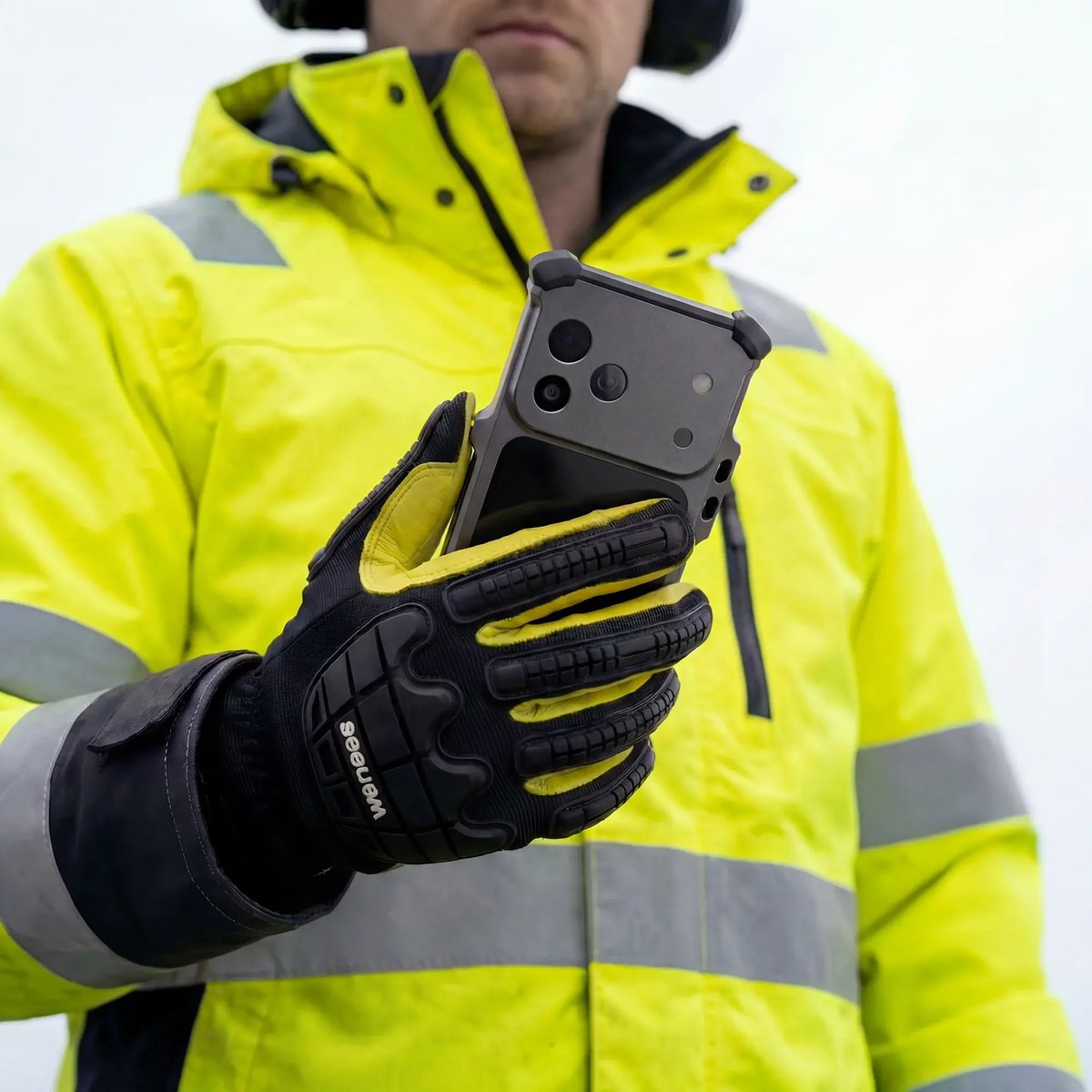
Put the specialist at the asset without the trip
With remote expert support, a technician at the equipment brings in a specialist over a live video call from inside the hazardous area. On an offshore installation, the technician and the onshore operations center can often resolve a fault together, avoiding a wasted helicopter trip or a specialist call-out.
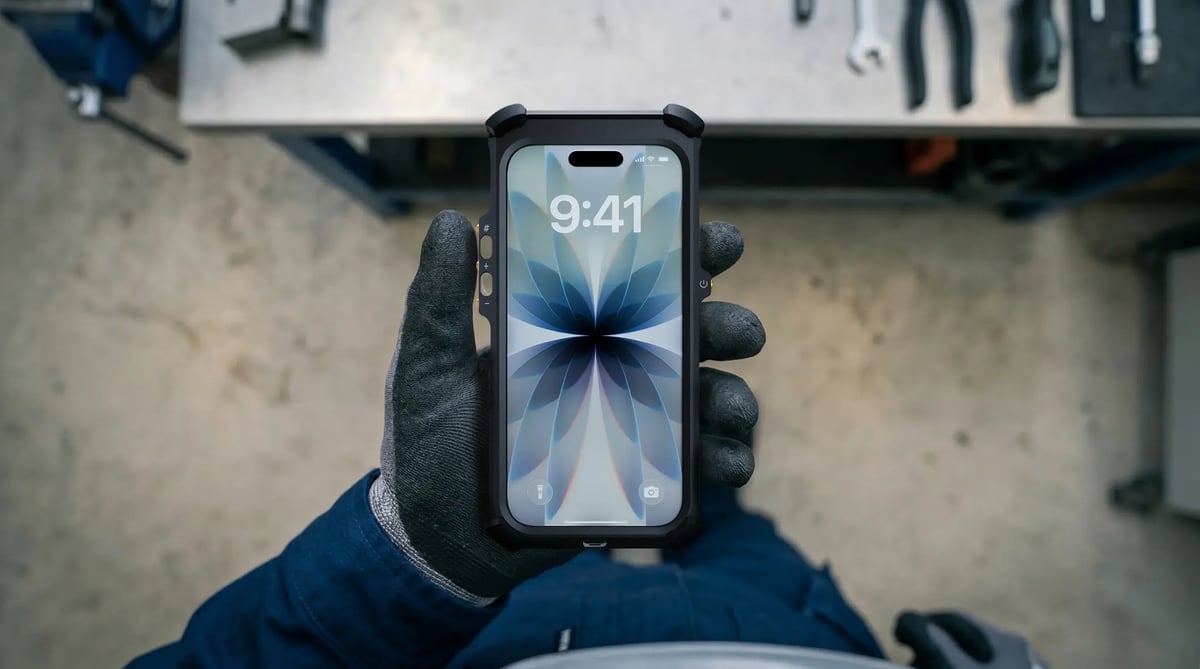
Video clear enough to diagnose from
Experts can diagnose when video shows fine detail, such as a weeping seal. The iPhone 17 Pro Max captures 4K on 48MP rear cameras, with an 18MP Center Stage front camera, against 1080p and 5MP on a typical intrinsically safe handset. 5G, Wi-Fi 7 and dual eSIM carry the stream where site coverage allows.
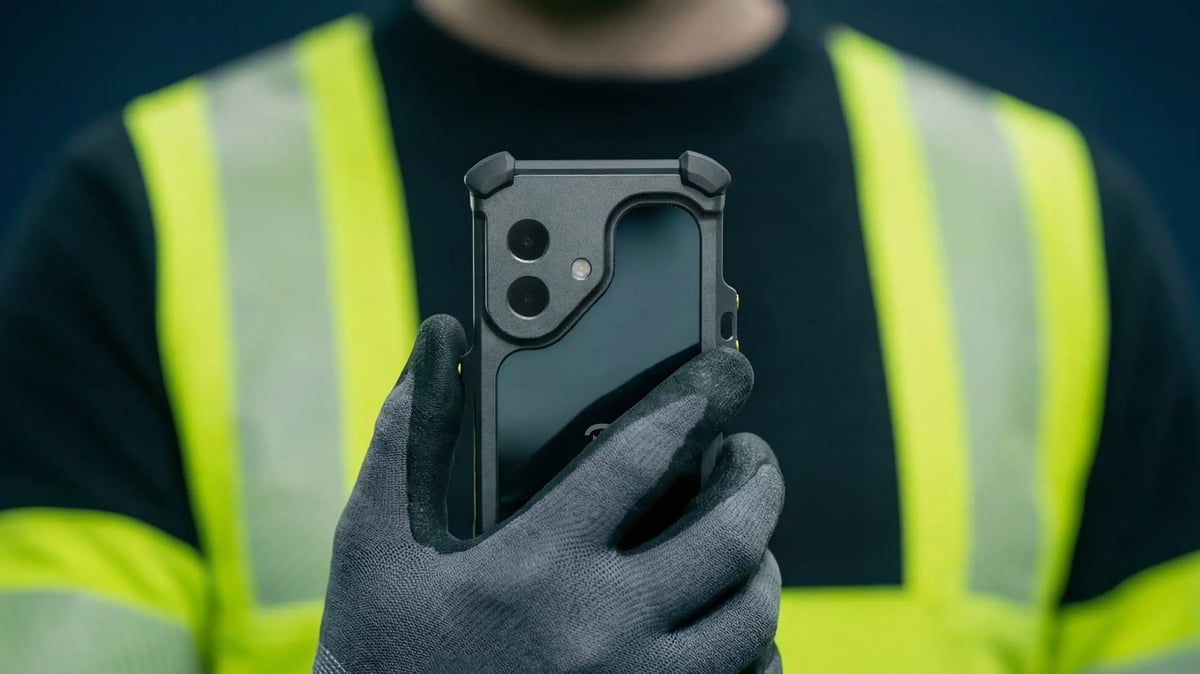
Use the apps your company already runs
Microsoft Teams and other video conferencing and remote support apps run on an Xshielder iPhone or iPad as they do on any corporate device, managed through your existing MDM. Nothing new needs rolling out to the field or the operations center, which keeps remote support inside your wider connected worker strategy.
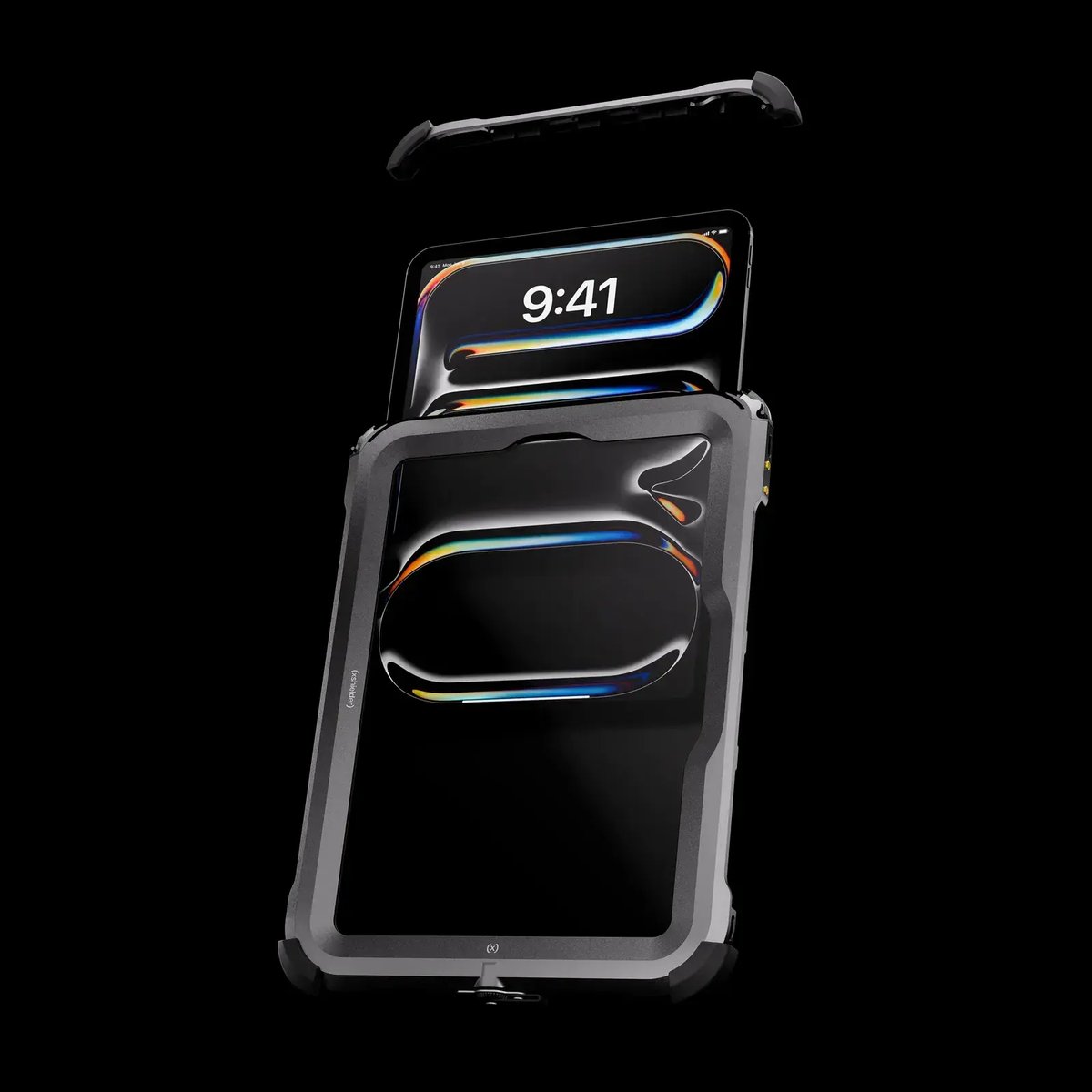
Every call ends up in the work order
Each call leaves a record the next shift can use. At a remote compressor station, the technician shows the nameplate, then the fault, while the expert guides the checks or annotates the live image, which is easier to follow on an iPad Pro over a long session. Screenshots or a recording go straight into the work order.
When the next fault is beyond what the crew can fix alone, the right expert can be on the call within minutes. Equip technicians with an explosion-proof iPhone 17 Pro Max, add an iPad Pro for longer sessions and shared drawings, and get a quote for your sites.
Remote expert support FAQs
Can you make video calls in Zone 1 hazardous areas?
Yes, with a phone or tablet certified for the zone, such as an iPhone 17 Pro Max or iPad Pro in an Xshielder explosion-proof case. A standard smartphone cannot be taken into Zone 1 without that protection.
Does Microsoft Teams work on an explosion-proof iPhone?
Yes. Microsoft Teams runs on an Xshielder explosion-proof iPhone as it does on any iPhone, and IT can deploy and manage it through the company’s existing MDM.
What video quality do remote experts need to diagnose equipment faults?
Experts need enough detail to read nameplates and gauges and spot small leaks, which favors a 48MP sensor and 4K capture over 13MP and 1080p. On the iPhone 17 Pro Max, 8x optical-quality zoom closes in on components out of reach, as covered in remote visual inspection in hazardous areas.
Can onshore engineers see live video from an offshore platform?
Yes, an onshore engineer can follow live video from an Ex area offshore over 5G, platform Wi-Fi or satellite links, with quality set by the available bandwidth. For crews still relying on radios, see our guide to moving from radios to mobiles.
How do intrinsically safe phones compare with iPhones for video calls?
A typical intrinsically safe handset has a 13MP main camera, a 5MP front camera and 1080p video, with no optical zoom. An iPhone 17 Pro Max in an Xshielder explosion-proof case adds 48MP rear cameras, 4K video, an 18MP Center Stage front camera and 8x optical-quality zoom.
More use cases