
.webp?width=300&name=3%20(1).webp)
Top 6 Features an Intrinsically Safe Tablet Needs (And How the iPad Pro Delivers Them)
Choosing a tablet for Zone 1 use is a procurement decision that follows you for years. The device gets certified, configured, rolled out across a fleet, and then it stays put until something forces a change. Getting it right means thinking past the ATEX stamp and asking whether the hardware actually helps people do their jobs better.
Here are the six features that matter most when you specify an intrinsically safe tablet, and why the iPad Pro M5 in a certified protective enclosure is where that thinking tends to lead.
1. Usability: If People Won't Use It, It Can't Help Them
Every other feature on this list sits behind a single question. Will the people who need this device actually use it? The best-specced tablet in the world has no operational value if technicians find it cumbersome, slow to authenticate, or unfamiliar to navigate. In hazardous environments, poor usability creates workarounds, shortcuts and lapses in attention during tasks that have no room for any of those things.
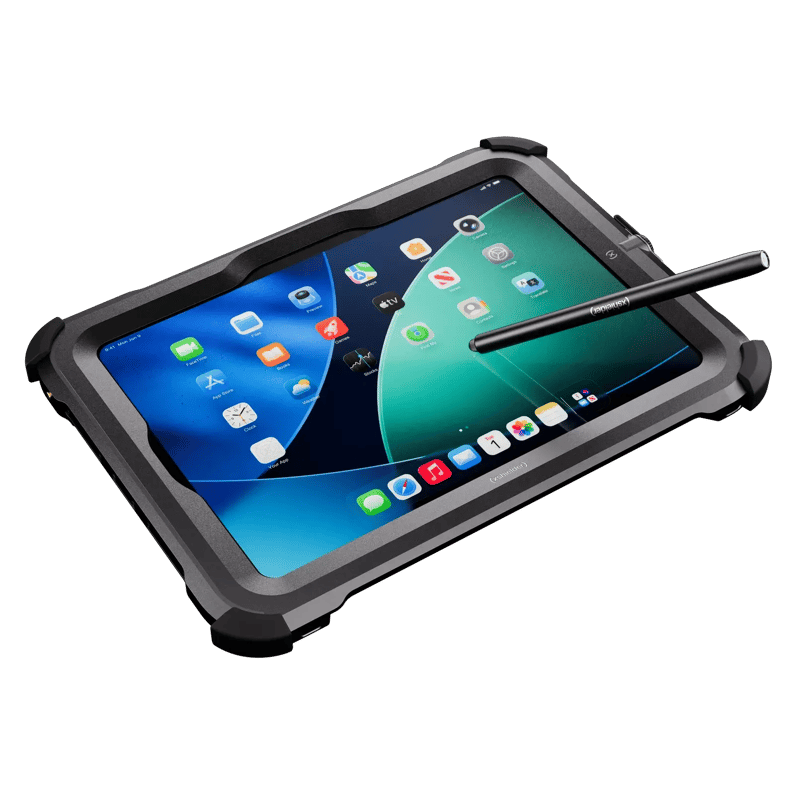
The iPad Pro M5 is built around usability in a way that dedicated IS tablets are not. It is light enough to carry through a full shift, and its display is large enough to show complex diagrams without constant navigation, which we come back to in feature three. The most underappreciated advantage, though, is Face ID.
In Zone 1, technicians are wearing gloves, and entering a PIN on a touchscreen keyboard with gloved hands is slow and error-prone every time the device locks. Across a team of 20 people running several authentication events per shift, that friction adds up fast. Face ID removes the step altogether, working through common PPE such as safety glasses and a hard hat, and unlocking the device in the time it takes to look at it.
Small friction points compound across large teams and long shifts. Removing them is how you get consistent adoption, and consistent adoption is how the technology actually delivers value.
Why it matters: A device your team uses reliably is worth far more than a technically superior device they work around. Usability drives adoption, and adoption is what makes the investment worthwhile.
2. Processing Power That Keeps Up With the Work
Once you have a device people will use, it needs to handle the work they are doing. Legacy IS tablets were built to survive the environment, and that was enough when field devices ran basic checklists and simple forms. The workloads have changed.
Digital twin rendering, large P&ID files, real-time data visualization and complex EAM platforms all demand genuine compute headroom. The iPad Pro M5 runs up to a 10-core CPU, a 10-core GPU and a 16-core Neural Engine, with up to 16GB of RAM. That is laptop-class performance in a tablet. The leading dedicated IS tablets are typically built on Samsung Galaxy Tab Active hardware, which is capable, but which runs mobile-grade processors designed for general Android use.
In Zone 1, a device that stutters during a critical task pulls focus at exactly the wrong moment.
Why it matters: The iPad Pro handles demanding applications under load noticeably longer than the previous generation, and it is unlikely to be outpaced by software requirements any time soon. A faster device keeps technicians moving and keeps their attention where it belongs.
3. A Display Built for the Field, Not a Meeting Room
Processing power counts for little if the technician cannot read the screen. Many dedicated IS tablets run 8-inch displays, which are functional for basic tasks. Information-dense interfaces, schematics and trend data on an 8-inch screen in direct sunlight mean constant zooming and repositioning.
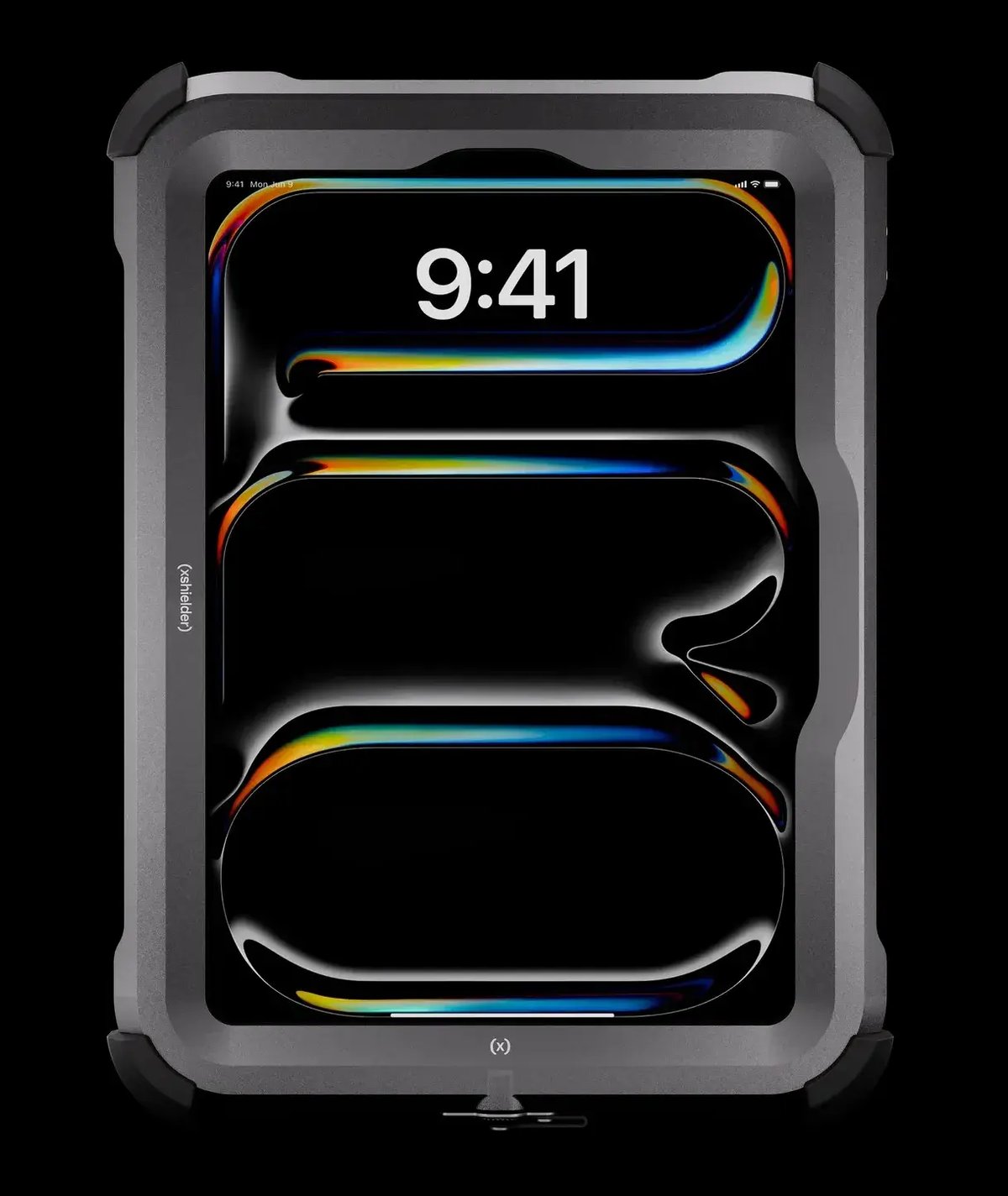
The iPad Pro runs a Tandem OLED display with 1,000 nits of standard brightness and 1,600 nits peak in HDR, across an 11-inch screen with ProMotion adaptive refresh up to 120Hz. In practical terms, that means a full P&ID legible in direct sunlight, trend data read alongside live process variables without switching views, and a screen large enough for two technicians to review together during a field briefing. We go deeper on this in our guide to navigating complex engineering drawings on an intrinsically safe iPad.
Why it matters: A larger, brighter, sharper screen reduces the cognitive load of interpreting complex information in difficult conditions. Over the course of a long shift, that reduction accumulates into fewer errors, less fatigue and faster decisions.
4. An Interface People Already Know
The display gets the data in front of the technician. How quickly they can act on it comes down to interface familiarity, and this is where the iPad has a structural advantage.
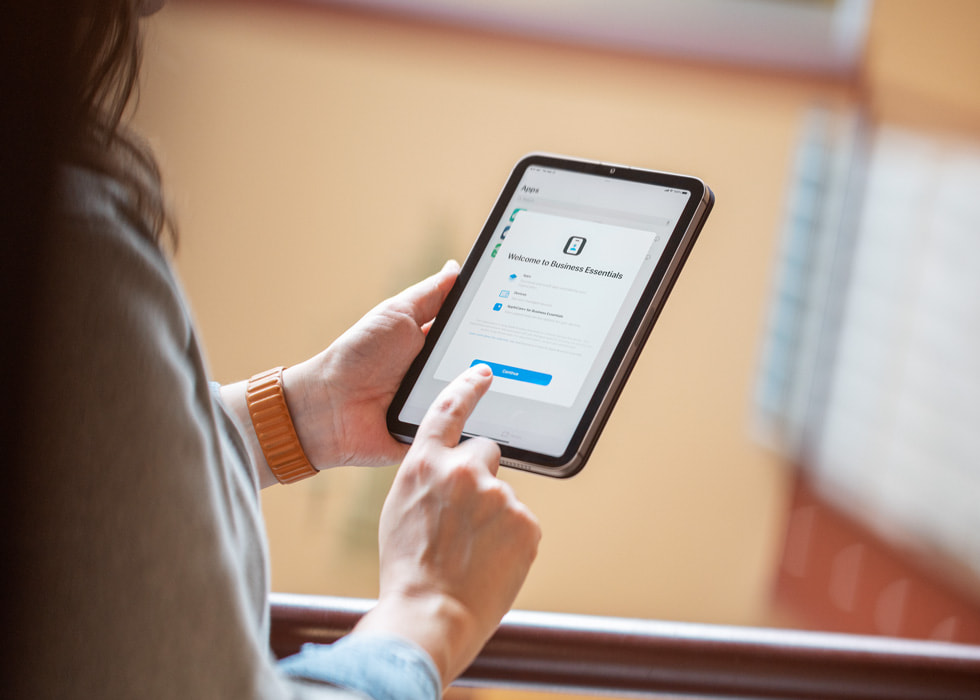
The iPad Pro runs iPadOS, the same operating system hundreds of millions of people use outside of work. Most of your workforce already knows how to navigate it. Dedicated IS tablets run Android, usually under Samsung Knox, which is a capable platform but one that asks staff to relearn basic navigation if they are not already familiar with it.
At scale, that matters more than it first appears. Unfamiliar interfaces are one of the more common barriers to digital tool adoption in field environments, and every hour spent on device training is an hour not spent on the job. Across a large site rollout, the gap between a familiar OS and an unfamiliar one shows up directly in adoption rates, training costs and how long it takes before the technology feels like a tool rather than an obstacle.
Why it matters: A workforce that already knows how to use the device is productive from day one. Familiarity reduces training overhead and takes the learning curve out of the way of adoption.
5. Software That Runs the Way It Was Designed To
Interface familiarity gets people into the device. The software ecosystem determines what they can do once they are there.
The iPad Pro gives access to the full App Store, including the industrial platforms most operators already run, such as AVEVA, AspenTech, SAP, IBM Maximo and a wide range of SCADA visualization and workflow tools. Many of these mobile clients were designed and optimized for iPadOS first. An interface built for an 11-inch iPad introduces compromises when it runs on an 8-inch Android device, with smaller controls, compressed layouts and features that do not translate cleanly.
Why it matters: The device is only as useful as the software running on it. A certified enclosure that takes an iPad Pro into a hazardous area gives operators the full experience of tools built for the platform, rather than a scaled-down version on hardware they were never designed for.
6. A Support Lifecycle That Matches Industrial Deployment
Industrial devices do not get replaced on a consumer upgrade schedule. Once a tablet is certified for Zone 1, configured and rolled out across a plant, it needs to stay current with security patches and remain compatible with evolving software for years. A device that falls out of support mid-deployment creates forced recertification cycles, retraining costs and unplanned fleet replacement.
Apple has a long track record here, with iPads typically receiving iPadOS updates for around seven years from launch and consistent security patches throughout. Historically, the Samsung Galaxy Tab Active line that underpins most leading IS tablets has offered four years of OS updates and five years of security patches under its enterprise program. That is a respectable commitment, but it is a shorter window, and one that also depends on the IS manufacturer keeping pace with Samsung's own release cycle.
Why it matters: A longer software support window means fewer forced recertification cycles, less retraining and a more predictable total cost of ownership across the life of the fleet. Combined with the hardware longevity of the M5 chip, this is a device built to stay relevant well into the deployment window most industrial operations are planning for.
Getting an iPad Into a Hazardous Area
None of this counts for anything unless the tablet can go where the work is. An iPad Pro carries no Ex certification of its own, so Zone 1 and Zone 2 use depends on a certified protective enclosure, with the tablet and the housing approved together as an assembly. If your site classification is not settled, start with what the ATEX zones mean and why they matter.
That makes the enclosure worth the same scrutiny as the tablet itself. A housing that blocks Face ID, dulls the display, or adds enough bulk and weight to make the device awkward over a full shift hands back the advantages that made the iPad the right starting point. The aim is protection that keeps the device usable in the field, because usability is what drives adoption.
If you are evaluating an intrinsically safe tablet, work the six features above against your own tasks, your zone classification and the software your teams already depend on. The right answer is the one your technicians pick up without being told to.
The same logic applies to the device already in every technician's pocket. Xshielder builds explosion-proof covers for the latest iPads and iPhones, so teams in hazardous areas keep Face ID, camera quality and screen brightness instead of falling back on older, slower hardware.
Talk to our team about the right configuration for your site.
Frequently Asked Questions
Can you use a standard iPad in a Zone 1 hazardous area?
No. A standard iPad has no Ex certification, so it can only be used in Zone 1 inside a certified protective enclosure that has been approved together with the device as an assembly.
Are iPads intrinsically safe?
No. Intrinsic safety is a property of the device design, and consumer tablets are not built or certified to those limits, which is why hazardous area use relies on a certified enclosure instead.
How much screen brightness does a tablet need for outdoor use in hazardous areas?
Around 1,000 nits of sustained brightness makes dense content such as P&IDs and trend data readable in direct sunlight. The iPad Pro's Tandem OLED display delivers 1,000 nits standard and 1,600 nits peak in HDR.
Does Face ID work with gloves and PPE on site?
Yes. Face ID authenticates from the user's face rather than the fingertips, so it works with gloves and common PPE such as safety glasses and a hard hat, which removes gloved PIN entry from the workflow.
Is an 8-inch intrinsically safe tablet big enough for P&ID drawings?
An 8-inch screen displays P&IDs, but usually with constant zooming and panning. An 11-inch display shows more of the drawing in context, which reduces navigation and interpretation errors in the field.
How long do iPads receive software updates compared with intrinsically safe Android tablets?
iPads have historically received around seven years of OS updates, while the Samsung Galaxy Tab Active hardware behind most IS tablets offers four years of OS updates and five years of security patches.